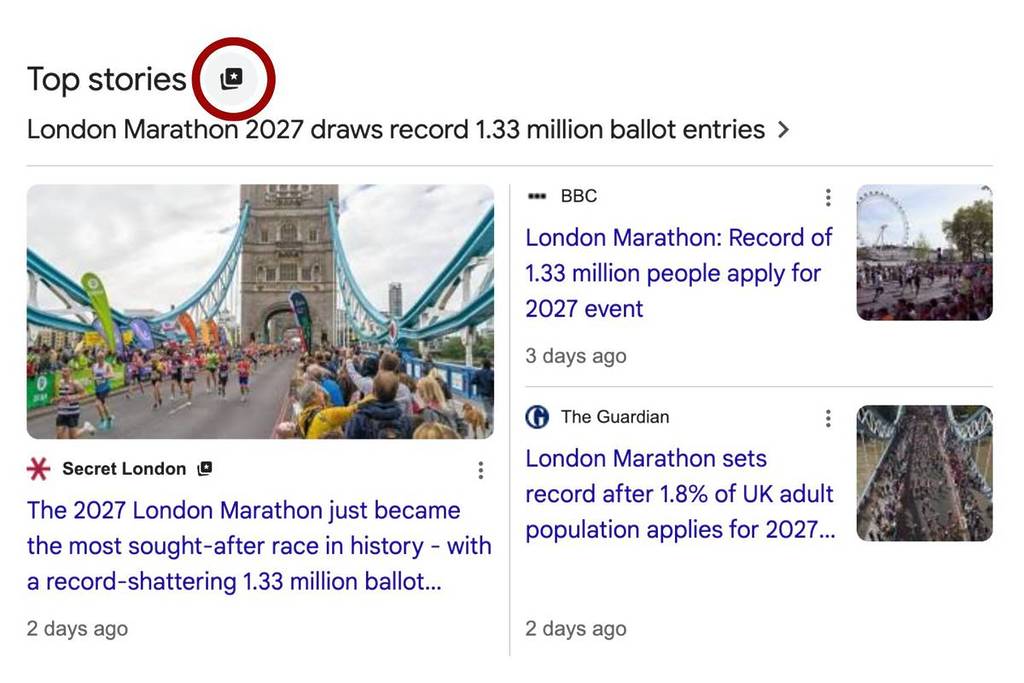

You might have noticed that when you Google something recently, the search results look slightly different from usual. Things like AI overviews and algorithm changes might have you seeing results from unexpected sources.
Recently, Google have launched something called “preferred sources” where you can let the platform know where you’d rather get your news from, putting you back in the driving seat.
Here’s a simple guide on how to add Secret London as a preferred source, so you can stay up to date with our articles (and let’s face it, why wouldn’t you?)
What is a preferred source?
A preferred source is any website or news outlet that you choose to appear in your Top Stories feed. Once you have selected your preferred sources, you’ll start to see more updates from them, relevant to your interests.
Why Secret London should be your first choice
Here at Secret London, we have a very talented team dedicated to covering everything Londoners need to know: from news stories, the best things to do, the latest new openings and so much more.
So if you want to be in the know of what’s going on in London, whether it’s the latest news or our guides around the city, we’ve got you covered. Just as our nearly 5 million followers across Instagram, TikTok, and Facebook.
How to add Secret London as a preferred source
The easiest way to add us as a preferred source is to click on this link to add Secret London directly, and tick the box that says Secret London.
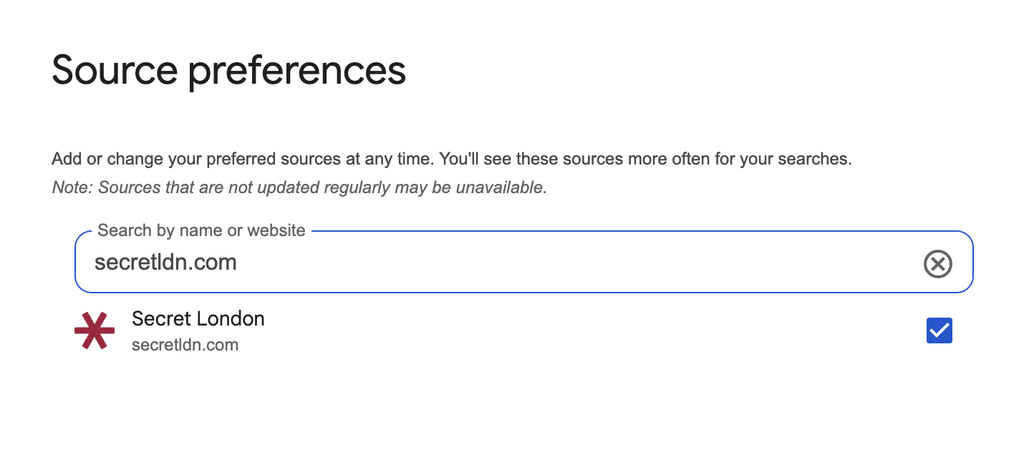
You can also add your preferred sources through Top Stories. Here’s how:
- Search for a news topic and click on the icon to the right of Top Stories
- Search and select as many preferred sources as you like (*cough* such as Secret Los Angeles)
- Refresh your results
You can update or change your preferred sources whenever you want, and you’ll continue to get articles from other websites as well.